Joining FreezeMC is similar to joining any other Minecraft server. To start, log in to the Minecraft Launcher or your preferred launcher. Launch the latest version of Minecraft, or 26.1.2 for the best experience.
Once you’ve launched Minecraft on your preferred launcher and version, you should see a home screen with several options.
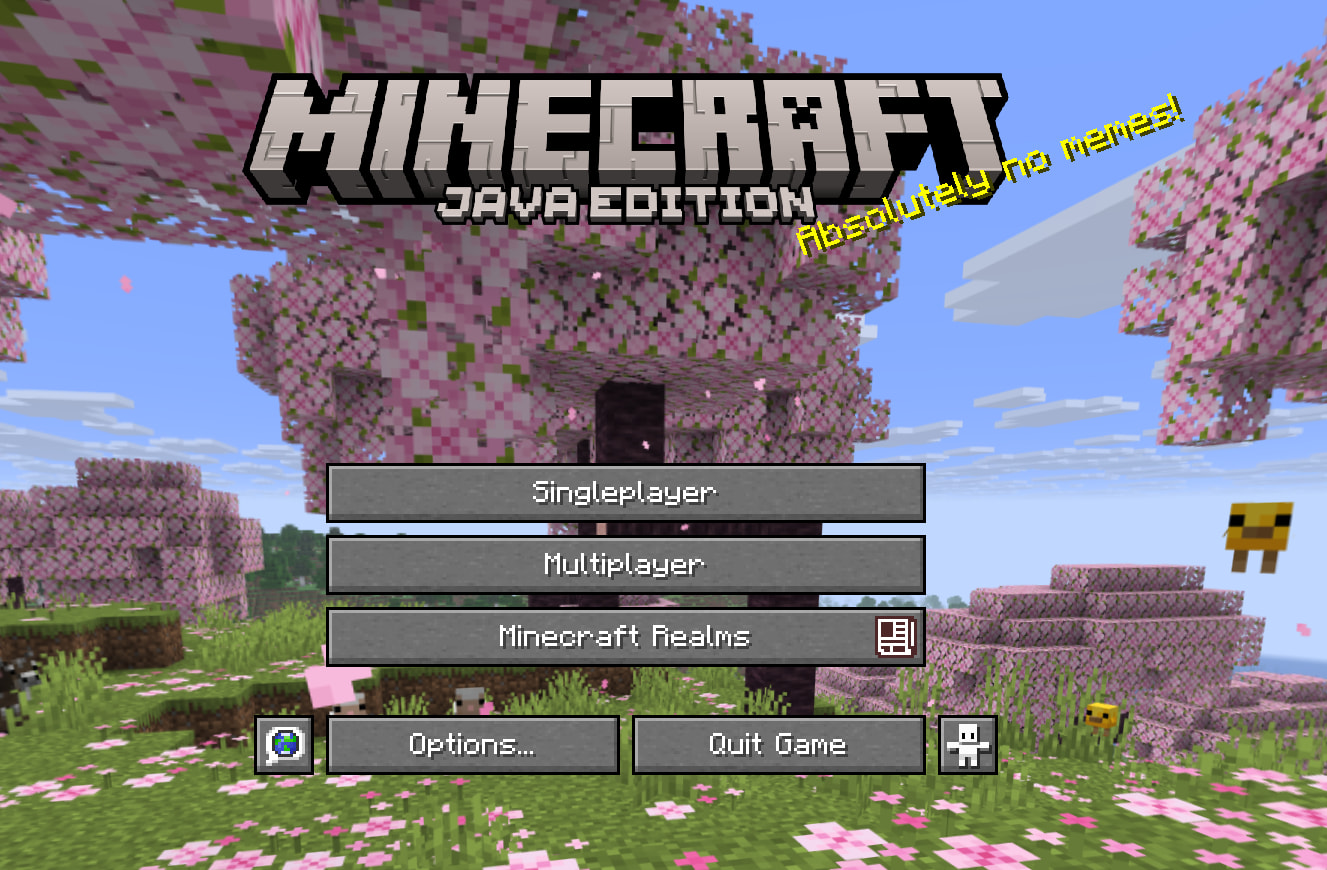
Select Multiplayer.
Then, click Add Server.
Fill it in with a name of your choice, as well as the Server Address: play.freezemc.net
Then, click Done.
Afterwards, you should see FreezeMC in the list of servers. Double-click it to join, and you should be in!